
If you’re passionate about indie games, wishlisting on Steam in 2025 is one of the simplest yet most impactful ways to support small developers. It’s more than just a digital bookmark - your click can help talented teams break through the noise and reach a global audience. But how exactly does wishlisting boost game visibility, and why does it matter so much in the current Steam ecosystem?
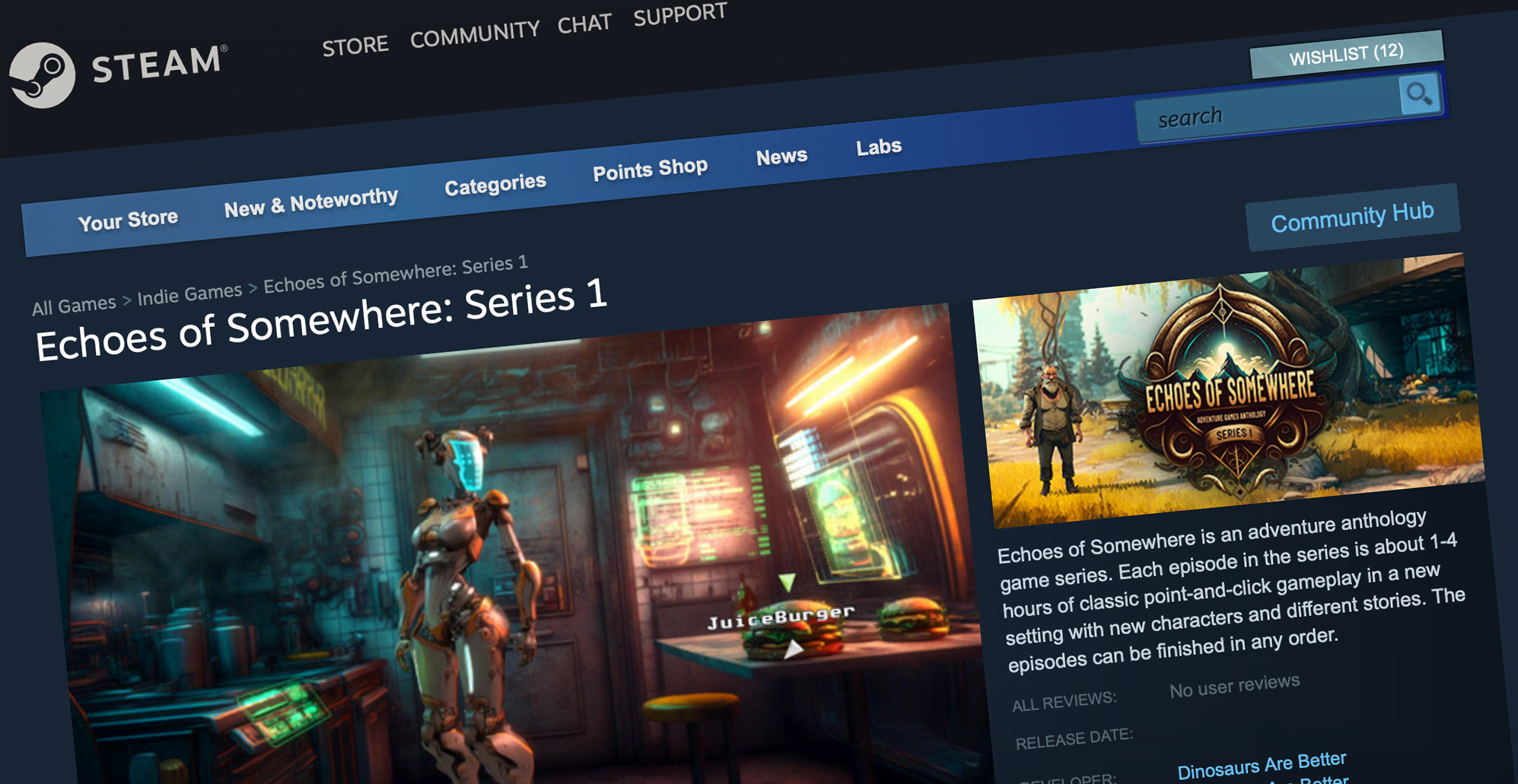
Why Steam Wishlists Matter for Indie Games in 2025
Steam wishlists remain a critical metric for both players and developers. For indie studios, every wishlist is a signal to Valve’s algorithm that there’s genuine interest in their project. This matters because only 6% of games in the last 12 months hit 100,000 wishlists before launch, while a staggering 66% launched with fewer than 10,000. That means most indie titles are fighting for discoverability in an increasingly crowded marketplace.
When you add an indie game to your wishlist, you’re not just showing support - you’re actively helping it climb Steam’s charts. More wishlists mean better placement during sales events, higher odds of appearing on the front page, and direct notifications when the game launches or goes on sale. For many developers, this can be the difference between obscurity and breakout success.
How to Wishlist Indie Games on Steam: Step-by-Step Guide
How to Add an Indie Game to Your Steam Wishlist in 2025
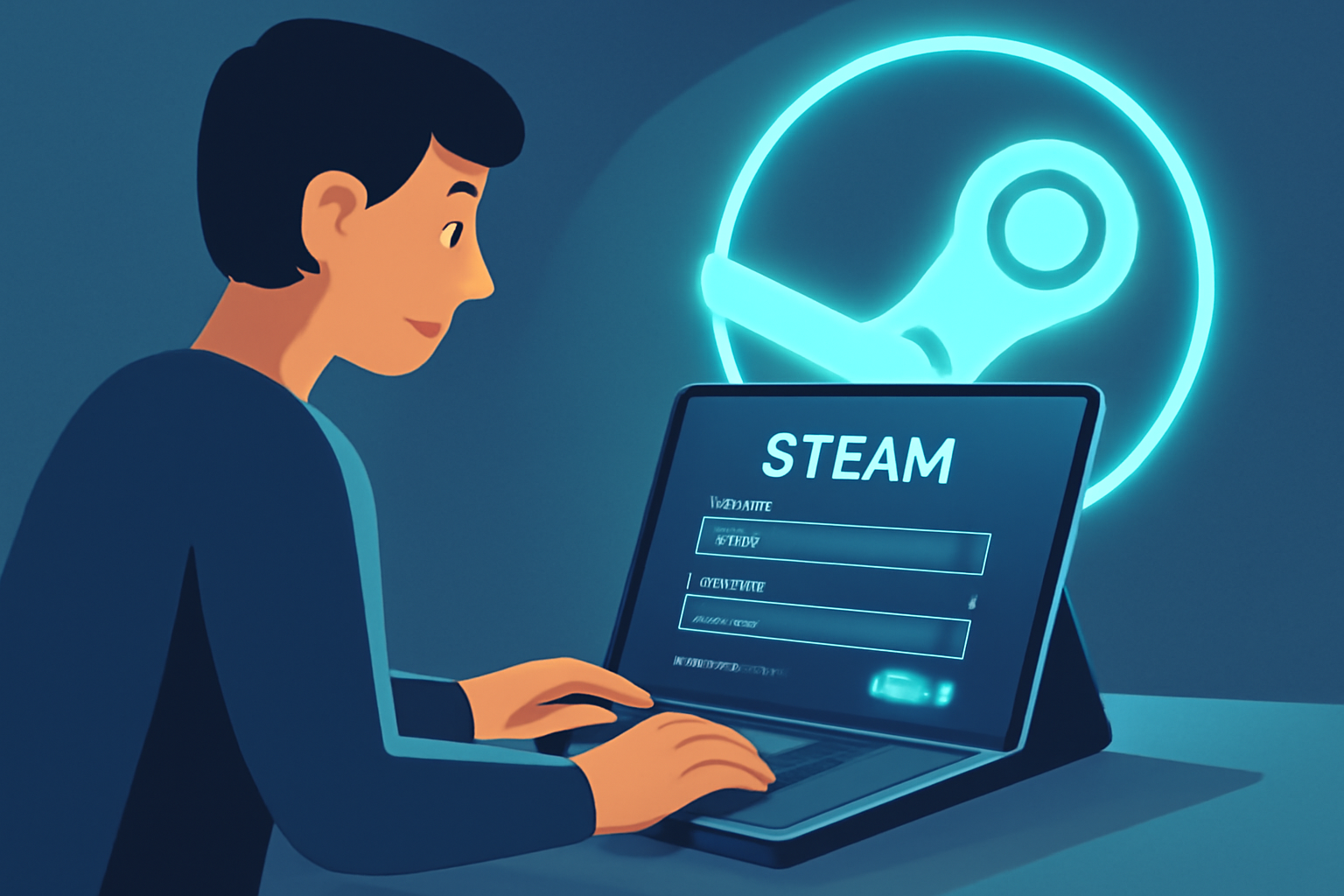

The process is refreshingly simple:
- Log into Steam: Use either the desktop client or your web browser.
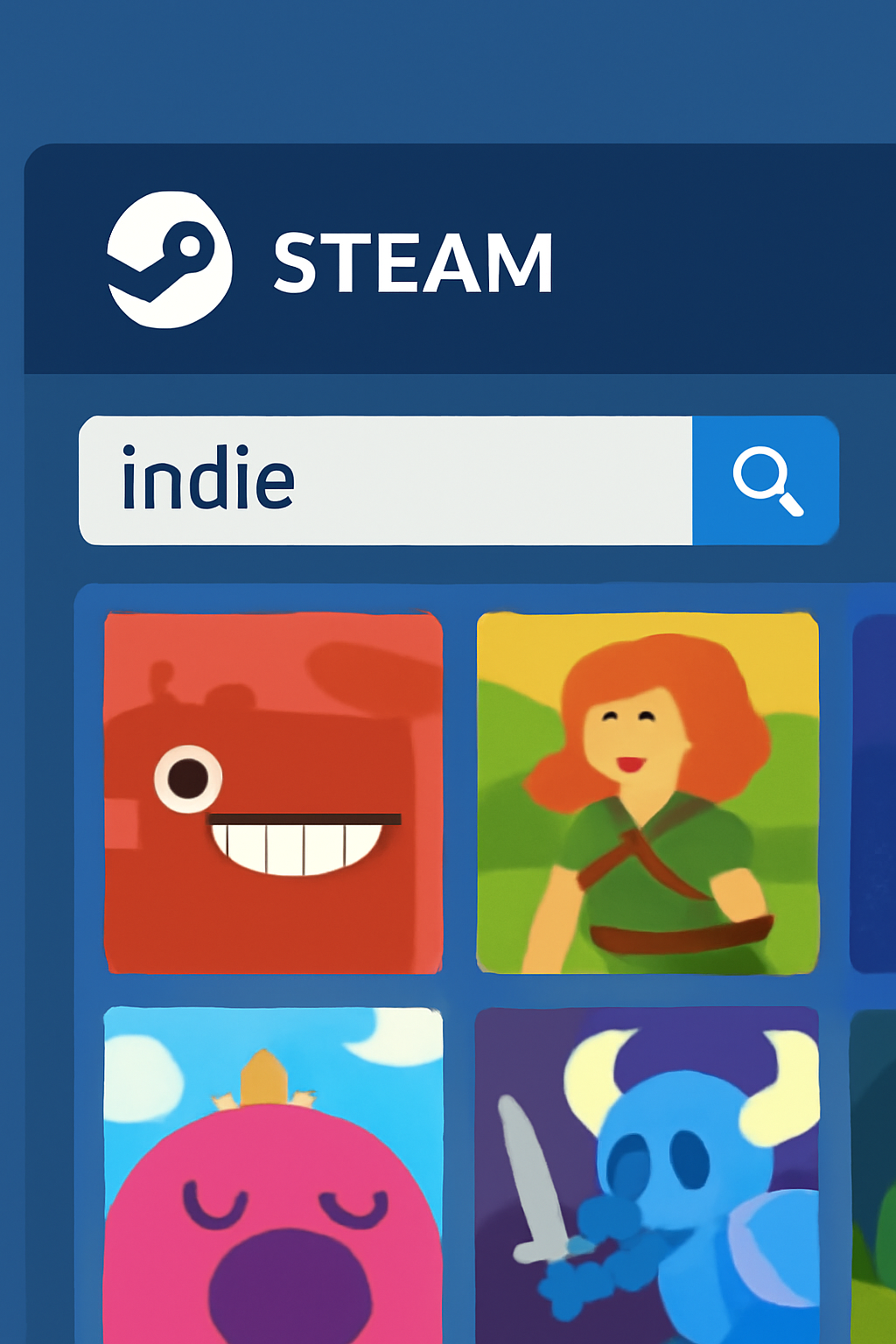
- Find Your Game: Enter the title into the search bar or browse curated sections like "Indie" or "Upcoming Releases. "
- Add to Wishlist: On the store page, click “Add to your wishlist” (usually found near purchase options).
This single action unlocks updates about releases, discounts, and major news straight to your inbox. Plus, it directly feeds into how Valve gauges player demand.
The Algorithm Effect: Turning Wishlists Into Visibility
The real magic happens behind the scenes. When a game accumulates enough wishlists - especially before launch - it triggers increased exposure through Steam’s recommendation engine and event features like Next Fest. Consider this: during October 2025’s Next Fest, one indie title saw a 51,500% increase in players, all thanks to heightened visibility driven by wishlist momentum (read more about recent success stories here).
This snowball effect can rapidly transform early interest into a surge of new players and sales once the game goes live.
Bugs and Beyond: Why Wishlisting Isn’t Everything (But Still Essential)
No system is perfect. Since 2015, fewer than 100 games have been affected by rare bugs where launch notification emails weren’t sent to wishlist holders - potentially impacting sales despite strong pre-release numbers. While these cases are rare (learn more about how discoverability works here), they highlight why wishlisting should be part of a broader strategy that includes community engagement and event participation.
For developers, relying solely on wishlists isn’t enough. Building a vibrant community on Discord, sharing devlogs on social media, and participating in events like Steam Next Fest or Wishlist Wednesday all play a role in amplifying your reach. These activities not only drive wishlist numbers but also foster genuine relationships with players who will champion your game at launch and beyond.
Likewise, players can go the extra mile by leaving a review after release or sharing their excitement online. Early reviews, good or bad, are another crucial trigger for the Steam algorithm, often determining whether a game gets featured on the front page or recommended to new audiences. Even if you’re not ready to buy at launch, wishlisting signals intent and keeps you looped into any updates or discounts.
Maximizing Your Support: Tips for Indie Game Fans in 2025
- Wishlist early: Don’t wait until launch day, the earlier you wishlist, the more it helps pre-release momentum.
- Share with friends: Word-of-mouth is still king. If you’re excited about an upcoming indie title, tell your community!
- Engage during events: Participating in demos and festivals like Next Fest can dramatically boost a game’s visibility and player count.
- Leave feedback: Constructive reviews post-launch help both developers and fellow gamers discover quality experiences.
If you want to dive deeper into how wishlists shape success stories for small studios, check out our feature on how indie game wishlists drive discovery and success in 2025.
The bottom line? Every wishlist counts. In an era where most games struggle to break even a modest milestone of 10,000 wishlists before launch, your support can be transformative. Not only does it give deserving projects a fighting chance, it helps keep the indie scene vibrant and innovative for everyone.


No comments yet. Be the first to share your thoughts!